info@lasmart.biz

march 27, 2025

Comparison of multidimensional and tabular models in SSAS

Introduction

Since the emergence of the tabular model, the question has arisen: which technology is better suited for project development? Should one switch to the tabular model or stay with the tried and tested multidimensional model? In our practice, we have worked with and tested both technologies. In this article, we would like to share the results of our research.

Multidimensional models are a solution that analyzes data using OLAP cubes. Queries to the data use measure groups and dimensions as coordinates. The multidimensional mode is the default mode for the Analysis Services server.

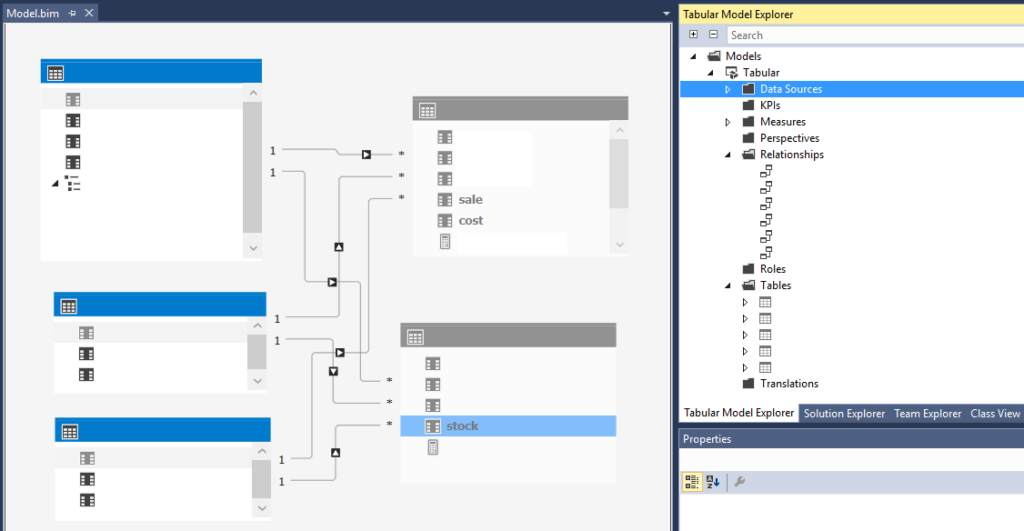
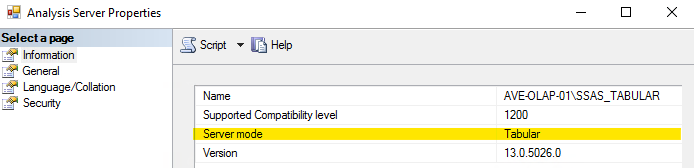
Tabular models are a data processing technology that organizes data into related tables. In this model, there is no strict division between «measures» and «dimensions,» as objects can serve both roles. To deploy the project, the server needs to be set to «Tabular» mode.

Comparison of technical characteristics of models

Multidimensional model Tabular model

First Compatible Versions of SQL Server

SQL Server 2000
SQL Server 2012

SQL Server 2012
SQL Server 2014

Compatibility level

1050 – 1100
1100 – 1600

Query and script languages

MDX[1]
ASSL[2]

DAX[3]
MDX
ASSL (compatibility level 1050-1103)
TMSL[4] (compatibility level 1200 and above)

Security level

Dimension and cell level based on roles
Row and object level based on roles

Data sources

When designing a tabular model, it is possible to use a wider variety of data channels. However, based on our experience, additional sources are rarely used.
References to the lists of sources are provided below:
https://learn.microsoft.com/en-us/analysis-services/tabular-models/data-sources-supported-ssas-tabular?view=asallproducts-allversions

  1. MDX (Multidimensional Expressions) – a query language designed for accessing multidimensional data structures.
  2. ASSL (Analysis Services Scripting Language) – a scripting language for Analysis Services.
  3. DAX (Data Analysis eXpressions) – a formula-based functional query language for creating expressions and retrieving data in the tabular model.
  4. TMSL (Tabular Model Scripting Language) – a scripting language for tabular models.

Comparison of multidimensional and tabular model development

Multidimensional model Tabular model

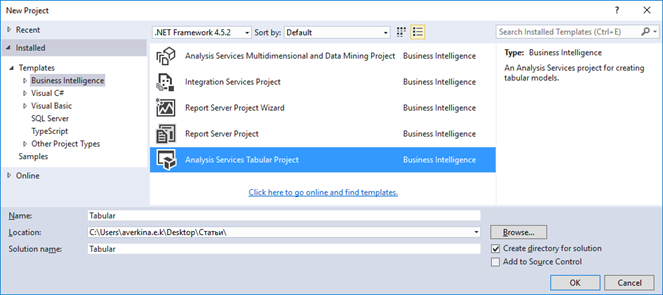
Creating the model

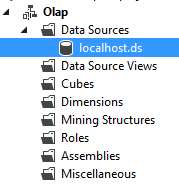
Creating data sources

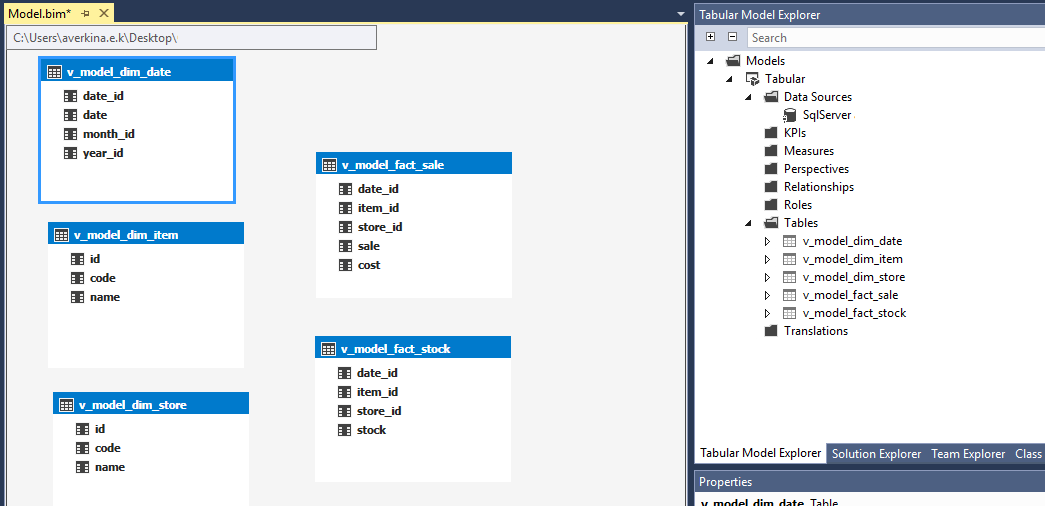
In the tabular model,
the "Data Sources" and "Data Source Views" stages
are implemented together.

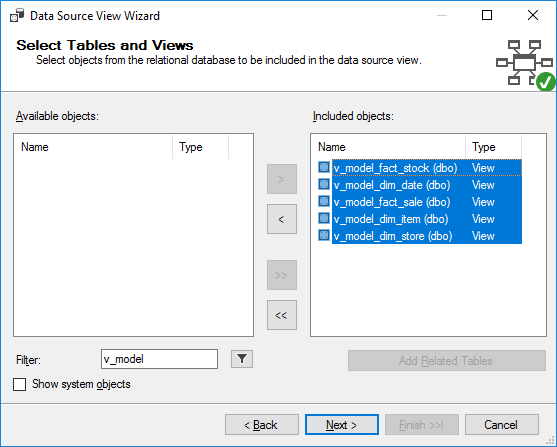
Selecting tables for the model

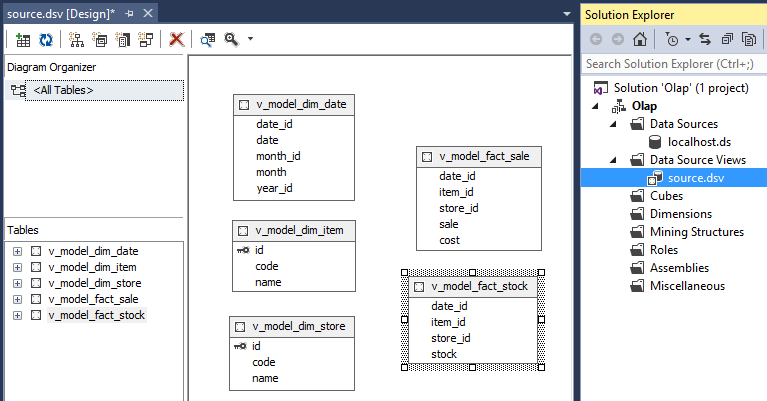
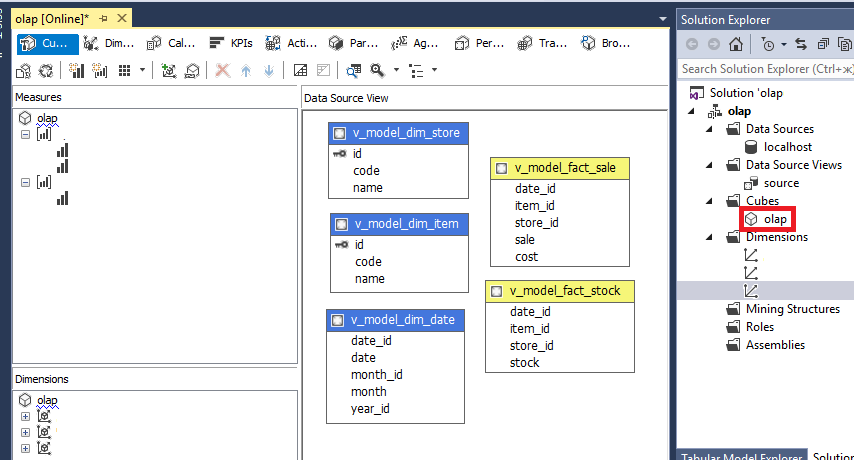
Data source view

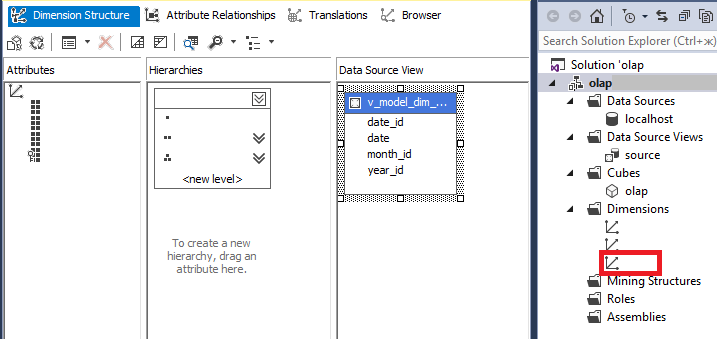
Creating measurements

In the tabular model,
tables are not divided into dimensions and measure groups.
Necessary hierarchies are created within tables in the model.

Creating measure groups

In the tabular model,
tables are not divided into dimensions and measure groups.
Necessary hierarchies are created within tables in the model.

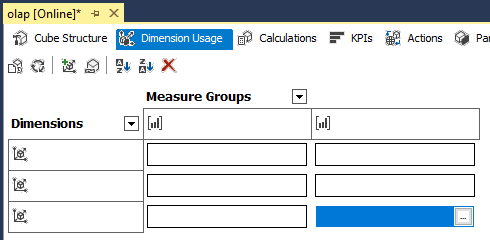
Specify the relationship between objects

Connectivity in the olap cube is defined by connecting measures and groups of measures.

The relationship between objects is defined in the model.
Fact tables are hidden from users.
Groups of measures are formed with the help of computational columns.

Creating computational measures

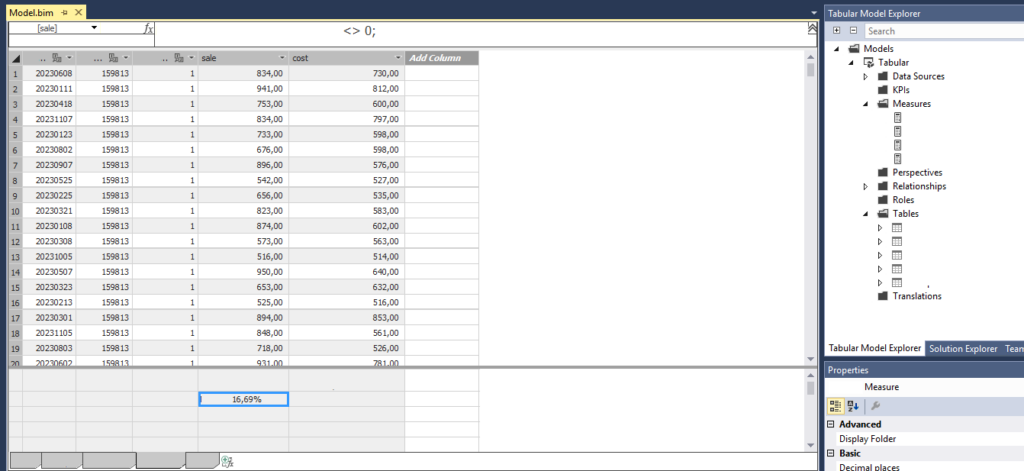
In the tabular model, calculated columns are defined within the necessary table.
The object automatically appears in the "Measures" folder.

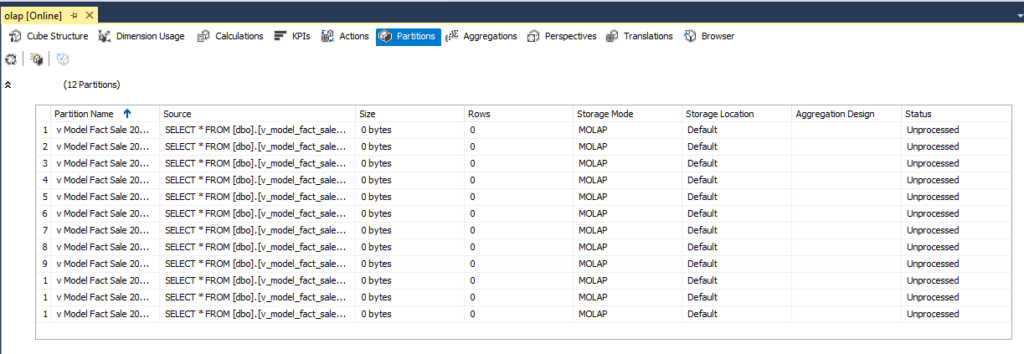
Data partitioning

Tabular models do not support multiple partitions of the same table.

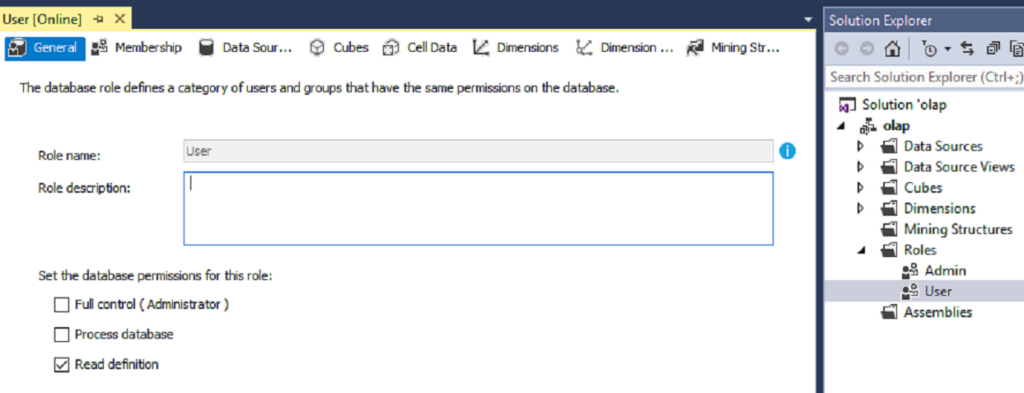
Role creation

Model processing

Results

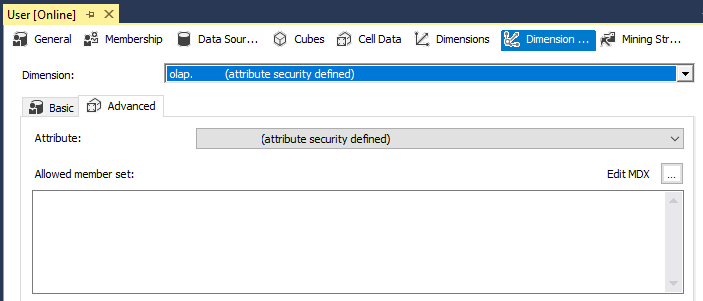
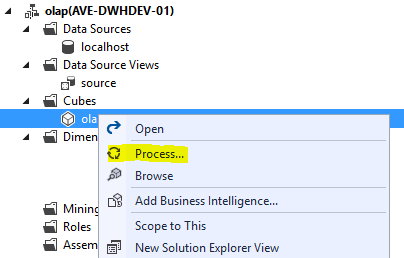
Multidimensional and tabular models differ in how data is processed. Multidimensional models do not import data until the cube is processed, while tabular models import data into the model for development purposes. This allows for the ability to view changes without deploying the project.

The performance of the tabular model is higher than the multidimensional model. Tests showed a performance improvement of about 40%. This is due to the large number of disk I/O operations required for calculations in the multidimensional model.

The multidimensional model is better suited for large projects. A comparison of the number of objects in the technologies is shown in the table below:

Multidimensional model Tabular model

Number of databases
in the instance

2 147 483 647

16 000

Number of objects

  • Dimensions in the database – 2,147,483,647
  • Cubes in the database – 2,147,483,647
  • Measure groups in the cube – 2,147,483,647

Total number of tables and columns
in the database – 16,000

User hierarchies

2 147 483 647
15 999

Levels in hierarchy

2 147 483 647
15 999

It is also worth noting that multidimensional cubes and tabular models have their own unique features and techniques.

Multidimensional model Tabular model

Component   

  • Actions
  • Aggregations
  • Custom assemblies
  • Custom rollups
  • Many-to-many relationships
  • Named sets
  • Writeback
  • Calculated column
  • Calculated tables
  • Query interleaving

It’s essential to thoroughly analyze both options before deciding on implementation.

For more information, please get in touch here:

Contact Form main